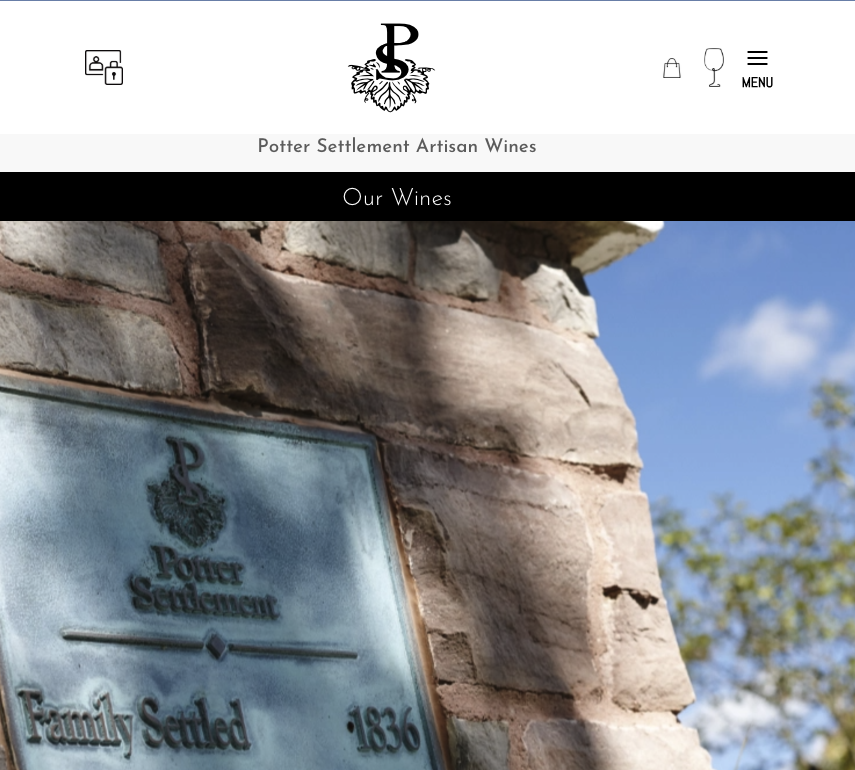
After clicking a menu item on the home page, you will be taken to that page. We are showing the top of the “Our Wines” page here. All the inner pages of the website use this header structure with the four icons at the top along with our logo. Just below that is a black bar that has the page title in it.
The one with the person icon and a lock icon on the left is the account login and registration button. If you click on that it will take you to that page where you can login if you have an account with us or create one if you do not.
The ‘purse’ icon is your shopping cart. Feel free to fill that up by shopping on the “Our Wines” page!
The wine glass icon takes you to our shop which we call “Our Wines”. And the menu on the far right, once clicked, reveals the main menu items.
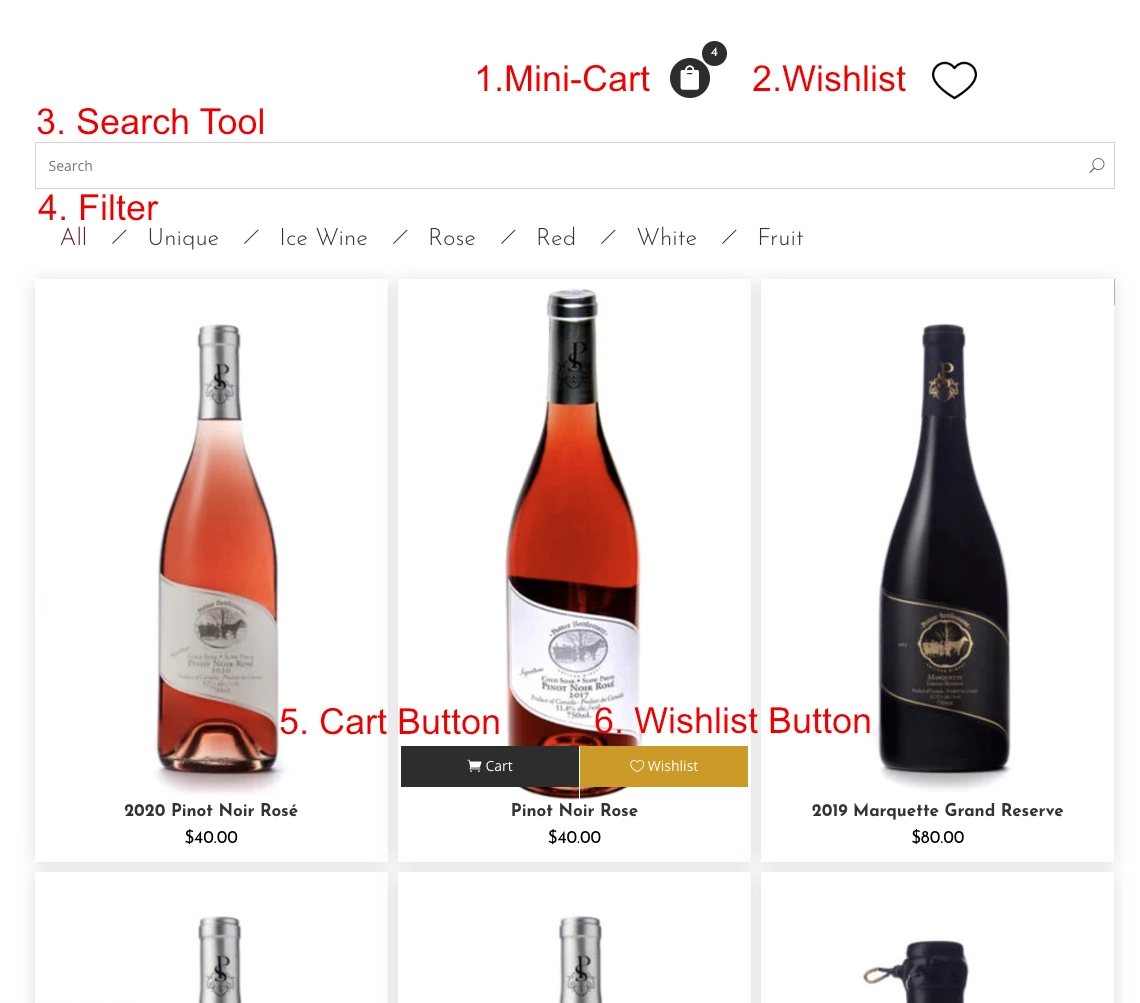
Next will look at how the “Our Wines” page works.